.avif)
Freevisuals
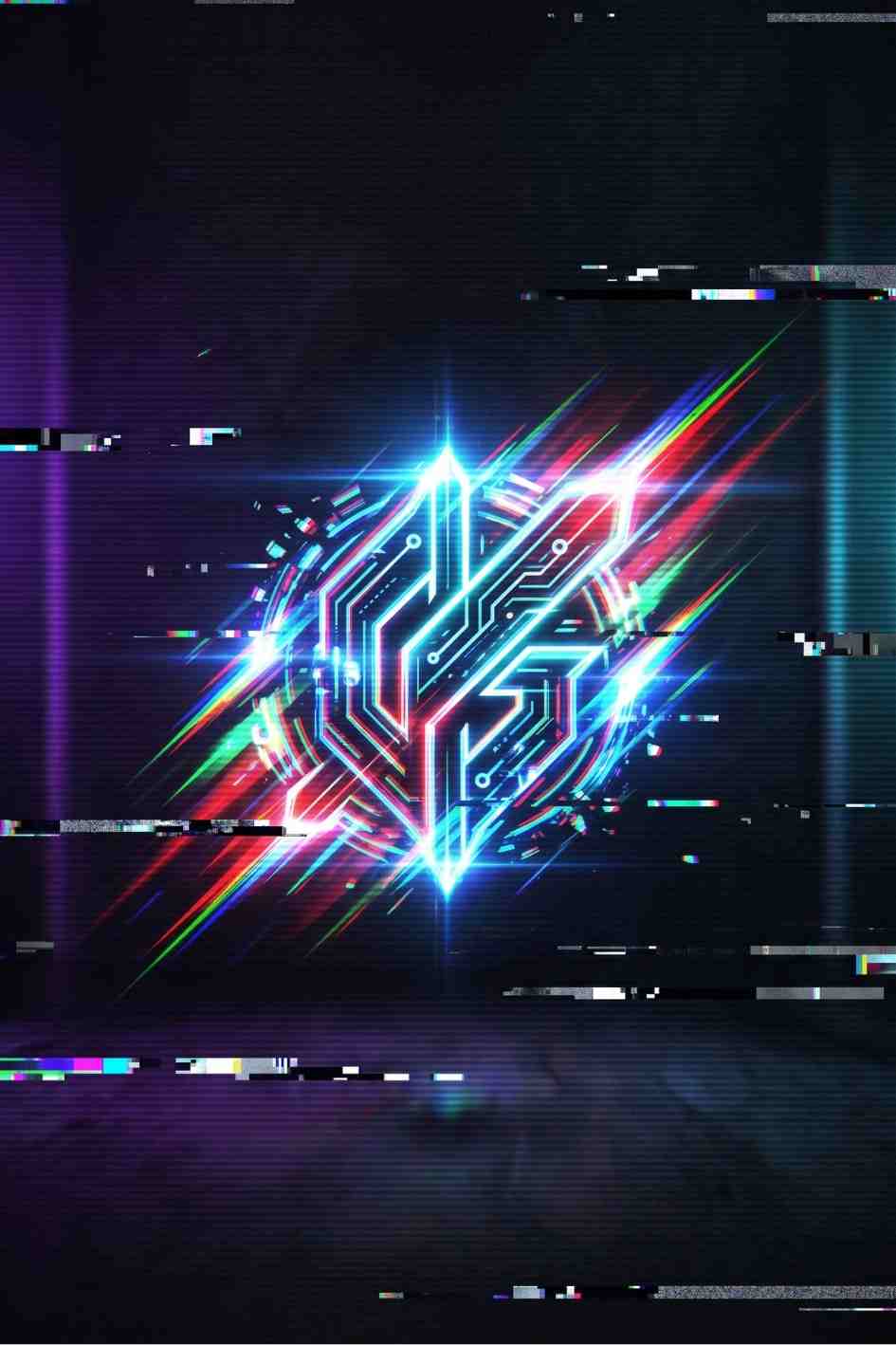
Twitcher Around Logo Reveal is a 4K glitch style logo animation for After Effects, built for Twitch streamers, gaming channels, and tech creators. No plugins needed.
Download FREEDownload NOW!If you run a Twitch channel, a gaming YouTube channel, or any kind of tech focused content, your channel opener is doing more work than you probably give it credit for. It's the first thing a new viewer sees, and it sets the tone before a single word is spoken. Twitcher Around Logo Reveal is a fast, glitch driven logo animation built in Adobe After Effects, designed specifically for that techno, digital, RGB split aesthetic that gaming and streaming audiences respond to.
This isn't a generic logo sting reused across every niche. The chroma aberration, glitch distortion, and TV noise style effects are purpose built for tech, gaming, and digital branding, which makes it a strong fit if you're building a Twitch brand kit, a gaming YouTube channel, or a tech review series. If you want more free and paid assets in the same category, our After Effects templates library and our guide to the best After Effects plugins are both worth a look, and if your workflow spans DaVinci Resolve as well, our DaVinci Resolve plugins roundup covers similar glitch and transition style tools for that software.
We'll also flag a couple of alternatives further down this page. If you want unlimited access to templates like this one rather than buying individual items, Envato Elements and Artlist both run subscription libraries that include hundreds of similar logo reveal and glitch transition templates, which can work out cheaper if you're downloading regularly.
Twitcher Around Logo Reveal is an After Effects project file created by TranSMaxX2, an established Elite level author on the Envato marketplace network (the same distribution network that supplies templates to Motion Elements). The template animates your logo flying into frame with a chroma aberration effect, glitch distortion, and a clean 4K finish, giving you an eight second opener that feels current without needing any design or animation skill on your end.
The style sits somewhere between cinematic tech intro and Twitch stream branding, which is exactly why it works so well for creators who want their channel to feel professional and current rather than templated and generic. Because the color scheme and text are fully customizable, the same base animation can be pushed toward a clean corporate tech look, a harder cyberpunk gaming aesthetic, or a minimal Twitch brand reveal, depending on how you color grade and style it.
Twitch streamers and gaming content creators. This is the most obvious fit. The glitch, RGB split, and digital distortion effects read instantly as gaming or tech content, which means viewers recognize the genre the moment your intro plays. If you're building out a full Twitch brand kit, pairing this logo reveal with matching overlays and alert graphics creates a much more cohesive first impression for new viewers.
Tech review and unboxing channels. The "digital distortion" and "sci-fi introduction" style described by the template's own tags makes it just as suited to tech review content as it is to gaming. A clean product review channel can use the same reveal with more restrained colors for a sharper, more professional finish.
Podcasters and commentary channels with a tech or gaming focus. An eight second branded opener is a low effort way to make an audio-first show feel like a properly produced video product once it's uploaded to YouTube.
Esports orgs and small gaming brands. Because the template supports a text placeholder as well as a logo, orgs can use the text slot for a tagline, a season number, or a sponsor call out, without needing to touch the main animation.
Freelance editors working with gaming or tech clients. If you edit for creators in this space, having a reliable, professional glitch logo reveal in your template library means you're not rebuilding a glitch animation from scratch for every client brief.
Even if you've never opened a template project file before, this walkthrough covers everything from download to final export.
After downloading from Motion Elements, you'll get a zipped folder. Extract it to a location you'll remember, ideally a dedicated project folder rather than your downloads folder, since After Effects project files reference other files by their file path.
This template requires Adobe After Effects CC 2018 or newer. If you're on an older version, you'll need to update through Creative Cloud before the project file will open correctly. If you don't currently have an Adobe subscription, our Adobe Premiere Pro plugins guide and After Effects templates page both link out to current trial and subscription options worth comparing.
Double click the .aep file inside the extracted folder, or open it directly through After Effects via File > Open Project. Give it a moment to load, especially the first time, as After Effects needs to cache the project's compositions.
Every properly built Envato style template includes a help file, usually a PDF, that lays out exactly which layers are placeholders and which are locked animation elements. Skimming this before you touch anything will save you time, particularly since it will tell you the required font, which is not bundled with the project for licensing reasons.
In the Project panel, look for a composition or layer clearly labeled as the logo placeholder (this template ships with one). Double click to open that composition, then drag your own logo file into the placeholder layer, replacing the sample graphic. A transparent PNG or a vector logo will give you the cleanest edges through the glitch and distortion effects.
This template includes one editable text layer, ideal for a "Follow", "Subscribe", or tagline call to action. Double click the text layer with the Type tool selected, then type your replacement copy. If the included font isn't already installed on your system, check the help PDF for the font name and source link before you proceed, otherwise After Effects will substitute a fallback font that won't match the intended design.
Depending on how the project is structured, color adjustments are usually handled through either a color controller layer or by adjusting the color of shape and fill layers directly. This is where you can push the look toward your brand colors, whether that's a purple and teal Twitch palette or a more neutral tech grey and white.
Use the spacebar or RAM preview to check your edits play back correctly before rendering. At this stage, watch specifically for two things: whether your logo reads clearly through the glitch and chroma aberration effect, and whether your text is legible for the full duration it's on screen.
Since this is an 8 second opener by default, you'll typically be cutting straight from this composition into your main video content. If you want a smoother transition, consider pairing it with a transition pack, our DaVinci Resolve plugins roundup has several transition options if part of your workflow happens in Resolve rather than Premiere or After Effects.
Use File > Export > Add to Render Queue, or the newer Adobe Media Encoder queue depending on your After Effects version. For a YouTube or Twitch intro, exporting at the template's native 4K resolution and 30fps in H.264 will give you a broadly compatible, good quality file without an excessive render time.
It's worth understanding why this particular visual style performs well with gaming and Twitch audiences specifically, rather than just accepting it as a trend. Glitch, chroma aberration, and digital distortion effects borrow visual language directly from gaming culture itself, screen tearing, signal interference, corrupted footage, and retro CRT artifacts are all things gamers associate with the medium they already spend time in. When a channel opener uses that same visual language, it signals genre and community before a single word of dialogue plays.
This is different from, say, a cinematic title card, which borrows from film language and works well for narrative or documentary style content but can feel slightly mismatched for a fast paced gaming stream. Genre-matched branding isn't just aesthetic preference, it's a small but real trust signal. New viewers make snap judgments about whether content is "for them" within the first few seconds, and an intro that visually matches the genre they're expecting reduces the friction of that first impression.
There's also a practical production reason glitch style templates like this one remain popular. Because the distortion effect is intentional and stylized, it's forgiving of small imperfections in logo alignment or color matching in a way that a clean, minimal reveal wouldn't be. A slightly imperfect glitch still reads as "glitch," where a slightly imperfect minimal fade reads as "unfinished." That makes this style genuinely lower risk for creators without a design background who still want a polished result.
Even with a well built template doing most of the heavy lifting, there are a few avoidable mistakes worth flagging before you dive in.
Skipping the help file. It's tempting to jump straight into the project and start dragging your logo into whatever composition looks right, but templates from established Envato marketplace authors are usually structured with specific naming conventions for placeholders. Five minutes with the help PDF will save you from accidentally editing a locked animation layer instead of the intended placeholder.
Using a low resolution logo file. Since this template renders at native 4K, a low resolution or heavily compressed logo file will look noticeably soft once scaled up, especially once the glitch and chroma aberration effects are layered on top. Source the highest resolution version of your logo you have access to, ideally a vector file converted to a high resolution PNG, before dropping it into the placeholder.
Ignoring font licensing. Because the required font isn't bundled with the project, it can be tempting to just swap in whatever similar-looking font you already have installed. That's a reasonable fallback for a quick preview, but if brand consistency matters to you, take the extra few minutes to track down and properly license the intended font, or a suitable free alternative, rather than defaulting to a system font.
Rendering at a lower resolution than your main content. If your channel content is delivered in 1080p but you render this intro at a lower resolution to save time, the quality mismatch between your intro and your main footage will be obvious the moment they cut together. Match your export settings to your main content's delivery resolution, or exceed it slightly, rather than falling short of it.
Not testing playback on the platform you're actually using. A file that looks great in After Effects' preview window can behave differently once compressed and uploaded to YouTube or streamed live on Twitch. Where possible, do a test upload or test stream before treating your final export as done.
If you want a visual walkthrough of the kind of glitch and RGB split techniques this template is built around, these tutorials cover the same territory, either for editing this style of template or for understanding how the underlying glitch effect works if you ever want to customize it further:
Do I need any plugins to use Twitcher Around Logo Reveal?
No. The template is built entirely with native After Effects effects, so there's nothing additional to purchase or install.
What version of After Effects do I need?
Adobe After Effects CC 2018 or any newer version. If you're running an older release, you'll need to update through Creative Cloud first.
Can I use this template for a paid or commercial YouTube or Twitch channel?
Licensing depends on which license tier you purchase through the marketplace at checkout, standard licenses generally cover use where end users aren't directly charged for the end product, while extended licenses cover broader commercial use. Always check the specific license terms on the product page before purchasing if you're unsure which tier applies to your use case.
Will this work if my logo is a complex, detailed design?
It can, but simpler, bolder logo marks tend to read more clearly through the chroma aberration and glitch distortion than highly detailed or thin-lined logos.
Can I extend the animation past 8 seconds?
Yes, though it requires some familiarity with After Effects' timeline and keyframes to extend the existing animation cleanly rather than just looping or freezing the final frame.
Is there a free version of this template?
Not that we've been able to confirm at the time of writing. If you're specifically after free glitch style logo reveals, our After Effects templates page includes free options alongside premium picks like this one.
If Twitcher Around Logo Reveal isn't quite the right fit, a few alternatives worth a look:
Affiliate Disclosure: This post may contain affiliate links. If you make a purchase through one of these links, FreeVisuals may earn a commission at no extra cost to you. We only recommend products and platforms we genuinely believe in. Read our full disclosure policy.









.avif)
.avif)
.avif)
.avif)